Creating a playlist
Uploading & Selling
This tutorial has the detailed information on how to create a playlist on Nyimboo. Below are the steps:
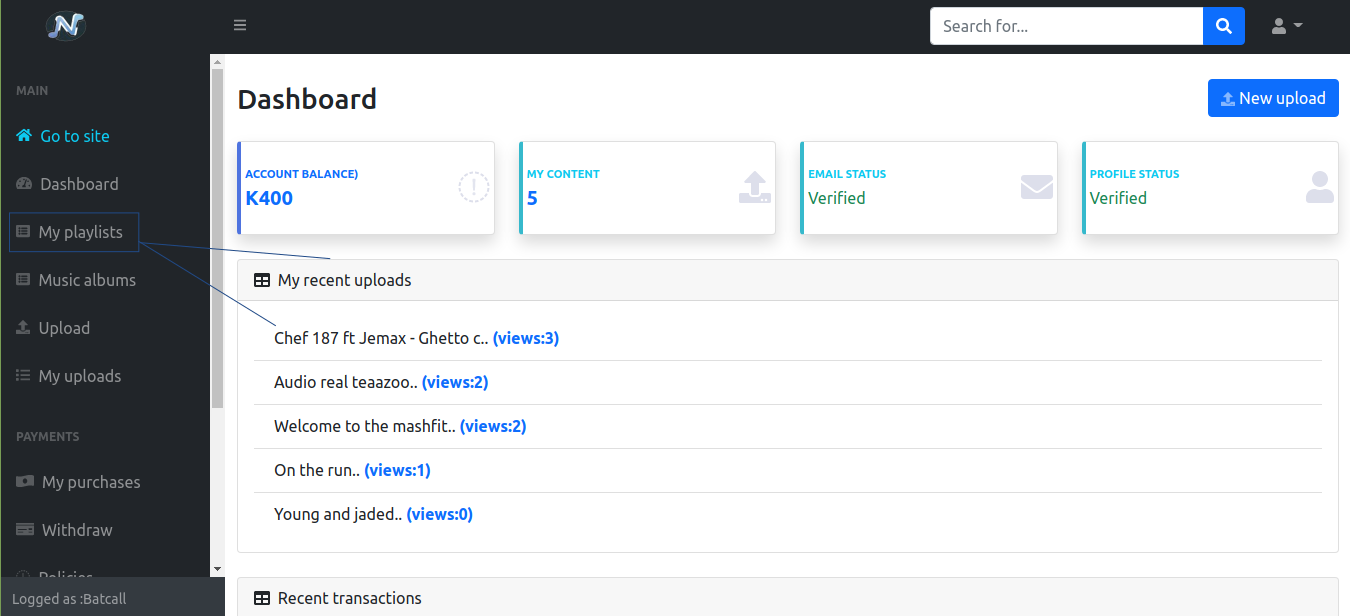
- Go to My studio
- Click on My playlists, the playlists of a logged in user will show
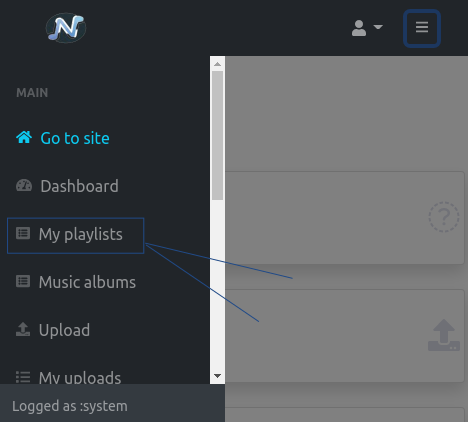
- For Mobile users click on menu and then navigate to My playlists
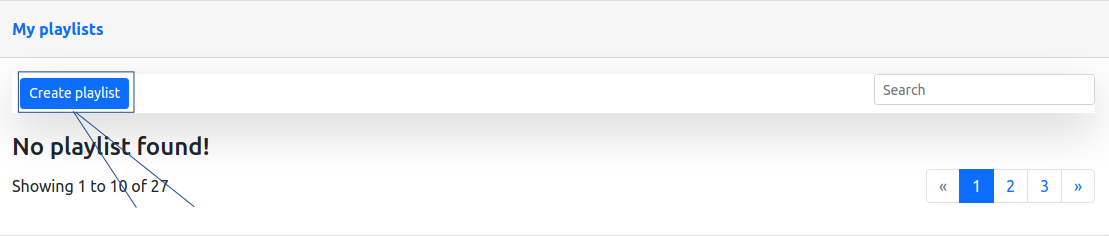
- Click on Create playlist, a pop modal will show.
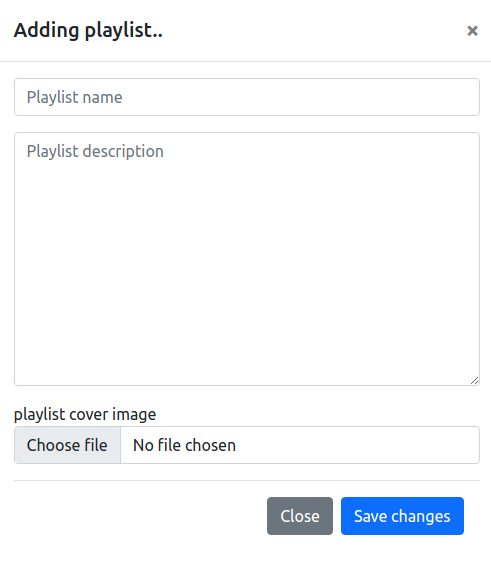
- Fill it in with the playlist infomation
Step to add songs on playlist
- A recent added playlist will show on the playlist list
- To add songs click on a playlist
- Scroll down to songs list
- Click on Add song button
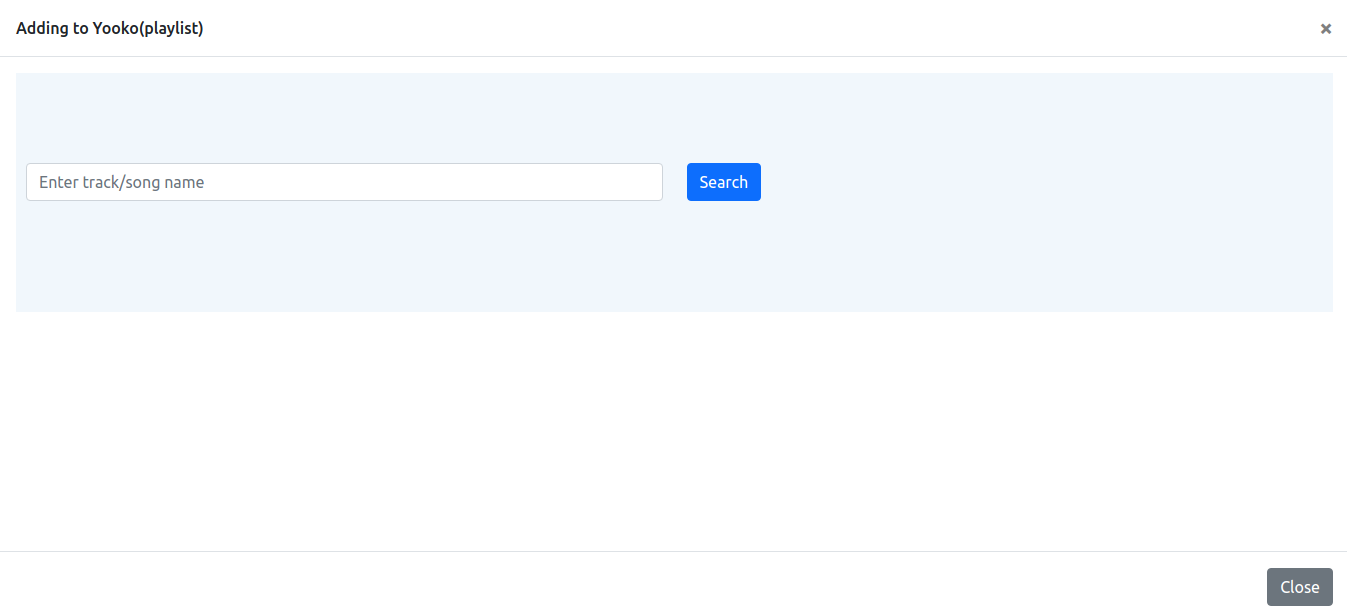
- A pop up modal will show
- Search for an already uploaded song. Note that before this step make sure that an you have already upload an audio song
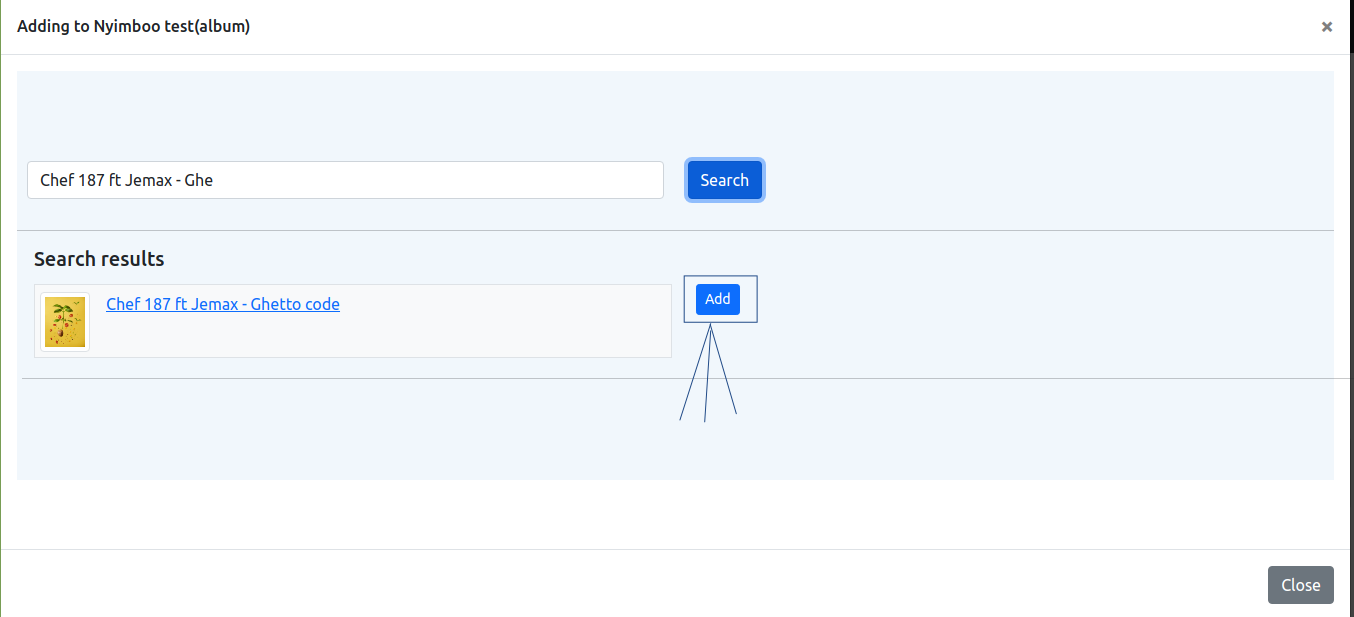
- Next once a searched audio song is found click on Add button as shown on an image below:
Congratulations, you have now created a Playlist and added some Songs to it.
More useful information
- How to upload or sell an album
- How to upload a Lyrics/Biography